Batch Image Compression
Select multiple images at once, adjust quality uniformly or per file, and save everything to your gallery with a single tap.
Reduce photo file sizes by up to 90% without visible quality loss. Batch process hundreds of photos, convert formats, and save storage space instantly on Android.
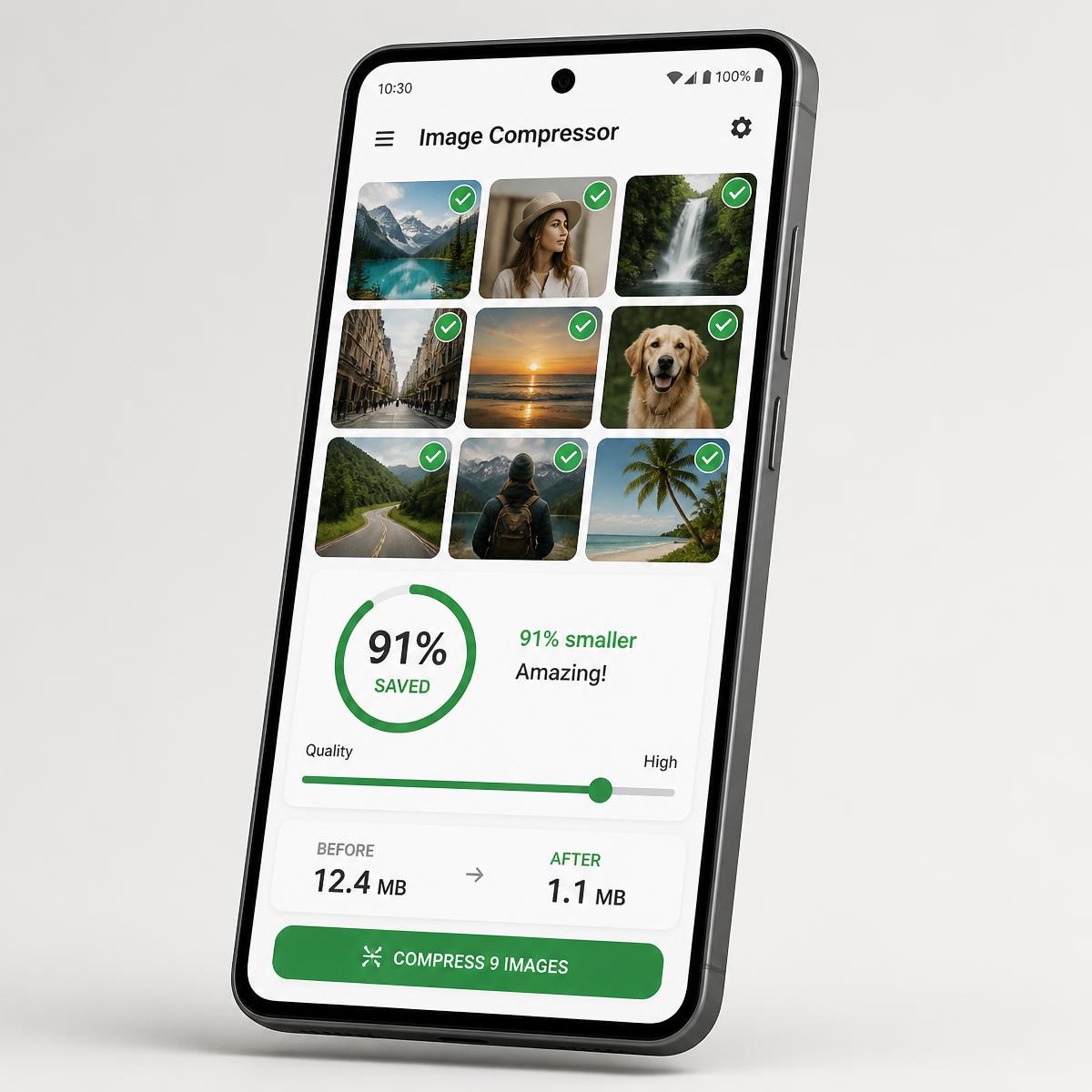
12.4 MB → 1.1 MB
91% smaller
Everything you need to shrink, crop, convert, and track your images — running locally on your phone's own hardware.
Select multiple images at once, adjust quality uniformly or per file, and save everything to your gallery with a single tap.
Ready-made presets for email attachments, WhatsApp and social media, web and blog publishing, and government portal document uploads.
Aspect ratio presets (1:1, 4:3, 16:9, 9:16, freeform), 90° rotation, and horizontal or vertical flipping before compressing.
Convert between JPEG, PNG, and modern WebP for maximum bandwidth savings and smaller uploads.
Specify an exact target such as under 200 KB or under 500 KB to satisfy strict portal submission guidelines.
A real-time visual quality inspector with side-by-side zoom and the exact number of bytes saved.
Track total storage saved on device with a local history database, plus export capabilities — all stored offline.
Three simple steps, no account, no settings maze, no waiting on an upload.
Choose images from your gallery with the Android photo picker, or capture a new one straight from the camera.
Pick a smart preset, set an exact target file size, or switch the output format to JPEG, PNG, or WebP.
Inspect the before/after result, confirm the savings, and save directly to your device storage in one tap.
Read and write JPEG, PNG, and WebP — convert freely in either direction while you compress.
Format
Best for photographs. Smart lossy compression with adjustable quality.
Format
Ideal for screenshots, logos, and graphics that need sharp edges or transparency.
Format
Modern format with the smallest file sizes at equivalent visual quality.
There is no cloud, no upload queue, and no account. Compression, cropping, and conversion all run through native Android graphics APIs on your own hardware.
Read the full Privacy PolicyNo cloud storage or uploads
All work happens locally on the device.
No personal data collection
No identities, emails, or phone numbers are collected.
Transparent advertising
Google AdMob shows non-intrusive ads under GDPR and CCPA standards.
Minimal permissions
Storage access is used only to read chosen images and save results.
Free to use, works offline, and no account required.